
You can annotate Lyrics & Chords songs using all your favorite tools—pen, text, symbols, and images—while still enjoying everything that makes them flexible: instant transposition, interactive chord diagrams, and a layout that adapts perfectly to your screen.
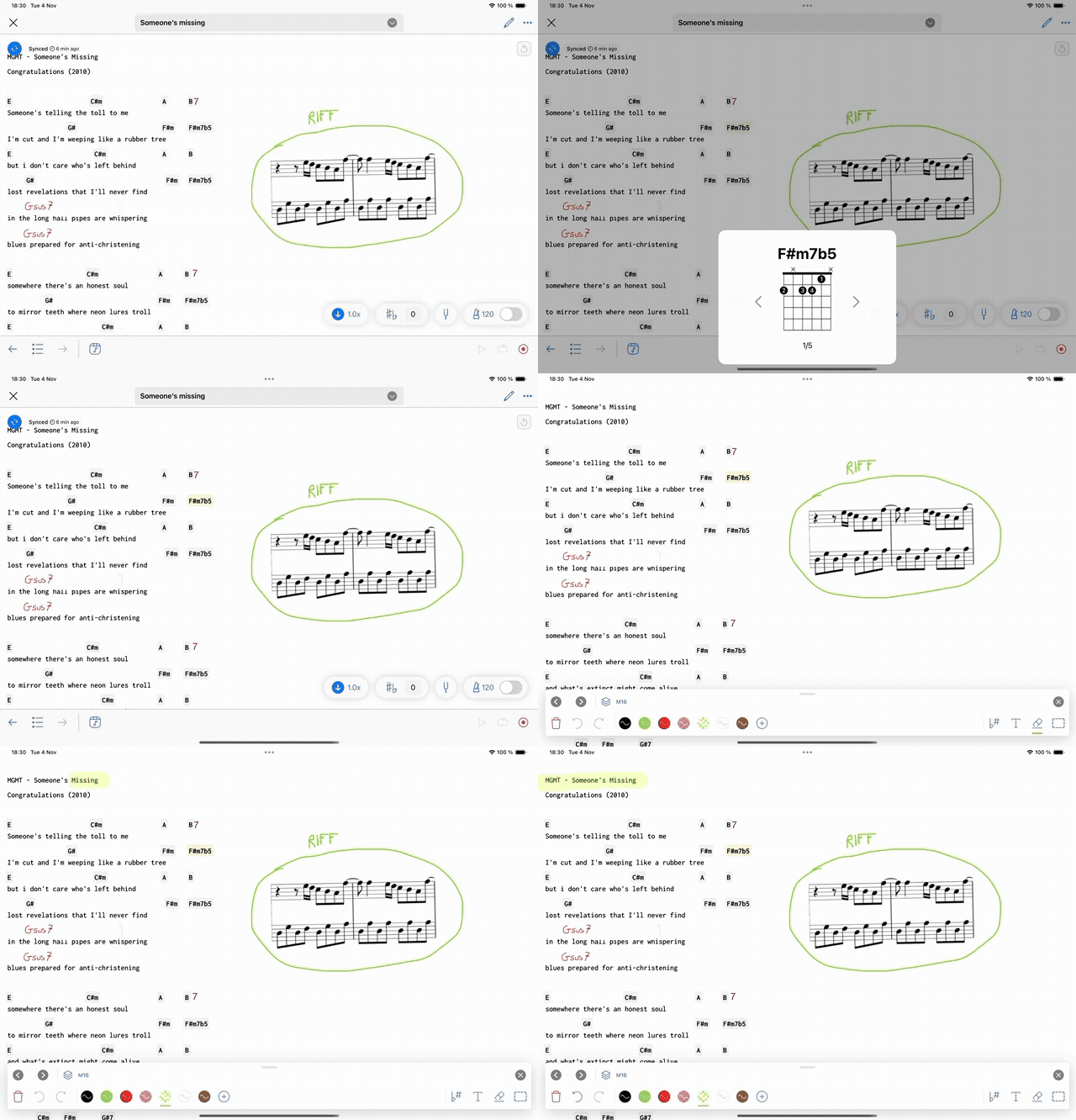
One specificity of the Lyrics & Chords format is that the text layout can adapt to all screens responsively.
However annotations have a fixed layout (ie they are not anchored to specific words).
That's why after adding annotations to a Lyrics & Chords song, you will notice the following button on the top right corner of the screen:
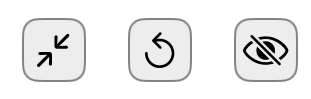
Annotation VS Text focus

This button allows you to alternate between the following display modes:
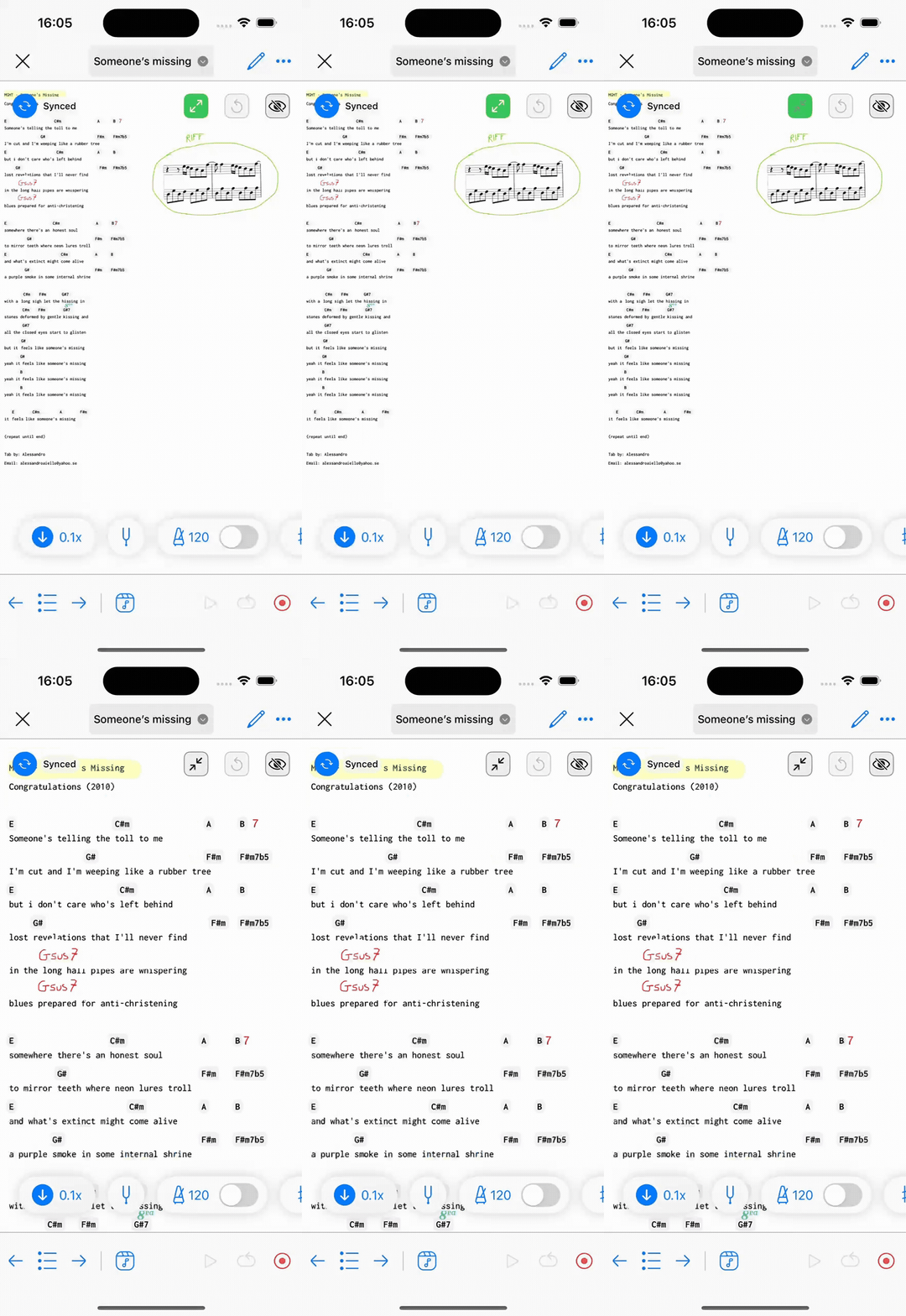
- Text focus: this display mode uses the full width of the screen to display the text (lyrics and chords) to ensure readability of text on all screens (in this mode, annotations made on larger screens maybe hidden).
- Annotation focus: this display mode uses the full width of the screen to display all annotations, including those made on larger screens; typically annotations made on an iPad and viewed on an iPhone (as shown in the animation below).
Restore annotated text size

Annotations are not anchored with the text.
So, when you add annotations and then change the text size (by zooming in or out), you will notice that the annotations are no longer correctly positioned in relation to the text.
In this situation, you can use the restore button to restore the initial text size corresponding to the annotation positioning.
Show/Hide annotations

With this button you can either show of hide the annotations.
Note: This functionality is not available yet on the Newzik Web app